

IP cameras
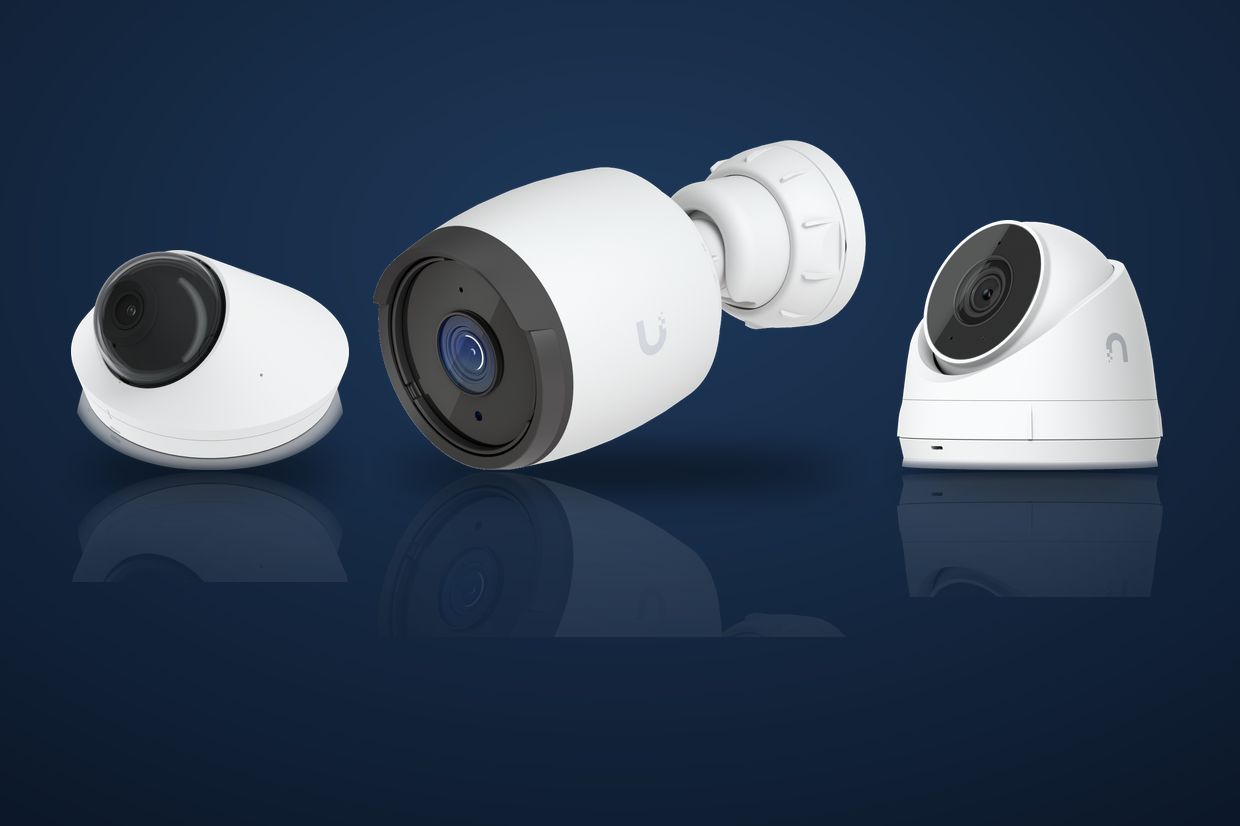
Indoor and outdoor cameras chosen for the view each spot needs: entrances, registers, parking lots, loading docks, and hallways.

Security Cameras & UniFi Protect · Ubiquiti partner · Clients nationwide
As a Ubiquiti partner, we design, install, and support UniFi Protect camera systems. You get clear video of every door, register, lot, and hallway that matters, recorded where you can find it and viewable from your phone. Our own technicians pull the cable and mount the cameras, and the same team supports it after go-live.
Why network cameras
A camera system is only useful if the footage is there when you need it. IP cameras run on the same network that carries the rest of the business, so they are easier to power, expand, secure, and reach from anywhere. When the company that runs your IT also builds your cameras, the network, the recorder, and the remote access are planned together.
What we deliver
A complete security camera system for an office, school, shop, warehouse, or a portfolio of locations. Each piece is chosen to fit the site and the way you will use the video.
Indoor and outdoor cameras chosen for the view each spot needs: entrances, registers, parking lots, loading docks, and hallways.

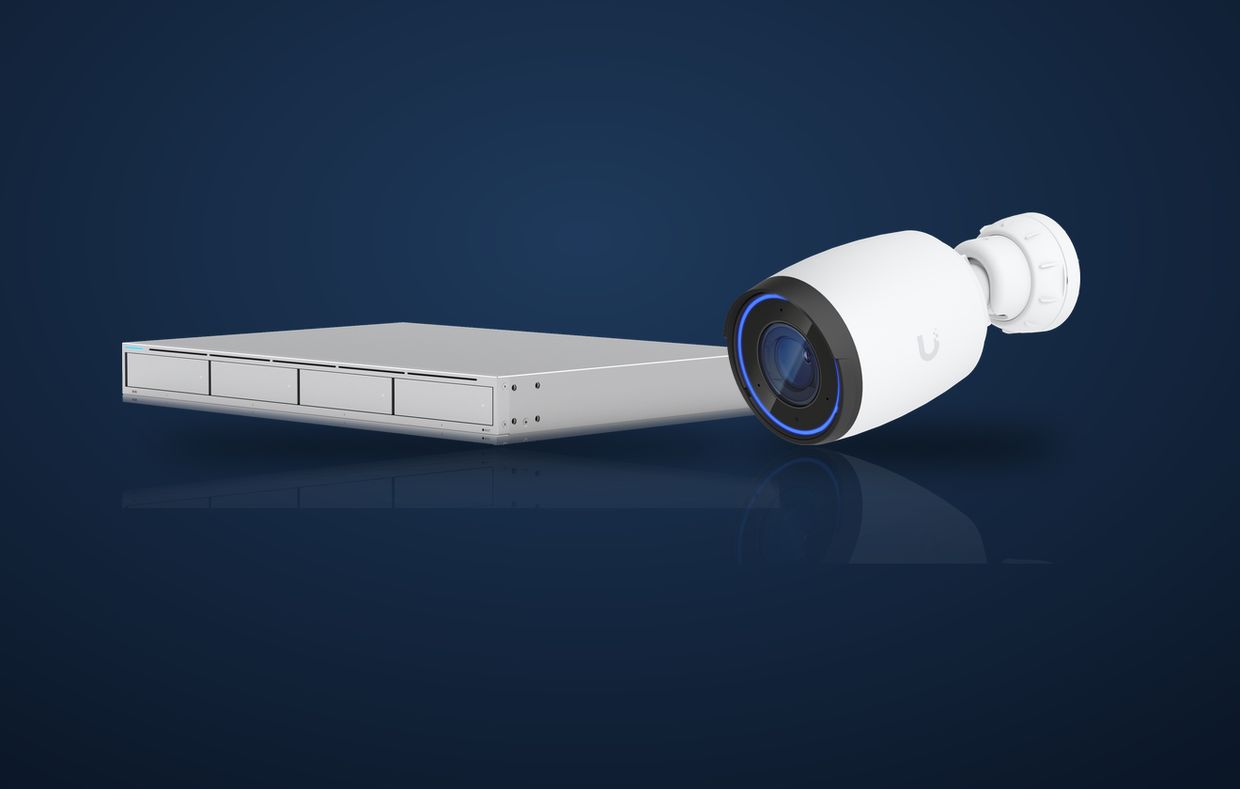
Recording on a network video recorder or video management software, sized for the number of cameras and how long you want to keep footage.

Live and recorded video on a phone, tablet, or computer, with access limited to the people who should have it.

For brands and companies with many sites, one camera standard and one place for authorized users to view every location.

Motion and event alerts set up so the right person hears about activity, and footage is easier to search when you need to find a moment.

Power over Ethernet cabling pulled, terminated, and labeled by our technicians, so each camera gets power and data on one clean run.

When a site also uses door access, we plan cameras and cabling with it in mind, so entrances are covered and the systems fit together.

Checks that cameras are online and recording, firmware kept current, and a technician on site when something needs hands.
Built with your IT
Cameras sit on the network, so they should be planned with it. We size switches and PoE for the cameras, keep video traffic organized so it does not slow down the rest of the office, and set up remote access the right way instead of leaving cameras open to the internet.
If we already run your managed IT or structured cabling, the camera system fits right into the same documentation and support.
Talk through your site →How it works

We look at the doors, rooms, lots, and blind spots that matter, what is installed today, and how you want to use the video.

You get a camera layout, recording plan, and cabling scope, with the price quoted before work starts.
Our technicians pull the cable, mount and aim the cameras, set up the recorder, and connect remote viewing.
We walk your team through live view, playback, and exporting a clip, and make sure the right people have access.
After go-live, the same team handles questions, changes, added cameras, and service when something needs attention.
Opening another location? The same camera standard rolls out site after site, so every location works the same way.
Who we install for
 Franchise and multi-unitOne camera standard for every location.
 Property managementEntrances, lobbies, lots, and common areas.
 EducationEntrances, hallways, and campus grounds.
 ManufacturingPlant floors, docks, and perimeters.
 Transportation and logisticsYards, gates, and loading docks.
 HealthcareFront desks, entrances, and parking.
Pairs well with
The cable plant your cameras and network run on.
New sites opened with IT, network, cameras, and Audio & Video in place.

Cybersecurity for the devices and accounts on the same network.
Questions
As a Ubiquiti partner, we design, install, and support UniFi Protect camera systems: UniFi cameras such as bullets, domes, and turrets, a UniFi recorder such as the UNVR, and the UniFi Protect app for live and recorded video on a phone or computer.
IP CCTV is a security camera system built on your network. Each IP camera sends digital video over network cable to a network video recorder (NVR) or video management software, where it is recorded and can be viewed live or played back from a computer or phone.
Analog systems send video over coax to a DVR. IP cameras run on the same kind of network cabling as your computers, usually carry power over that cable with PoE, and generally offer sharper images, easier expansion, and remote access without a separate video network.
Yes. We set up remote and mobile viewing so approved people can see live video and recorded footage from a phone, tablet, or computer, with access limited to the people who should have it.
Yes. For businesses and brands with more than one site, we can design one camera standard and set up viewing so authorized users can see every location from one place.
Yes. Our own technicians pull and terminate the PoE network cabling, mount the cameras, and set up the recorder, so one team owns the system from the wall to the screen.
Often, yes. We start with a walkthrough of what is installed today, then recommend what to keep, what to replace, and what to add.
Yes. We can support the cameras and recorder after go-live, including checks that cameras are online and recording, firmware updates, and service visits when something needs hands on site.
We install and support camera systems for clients across the United States. The Chicagoland area is our home base, and our technicians travel for multi-location and out-of-state projects.
Call (815) 749-0600 or send a message. A person will walk the site with you and quote the system before work starts.
Contact VEXitEY