
 Cabling & Wi-Fi
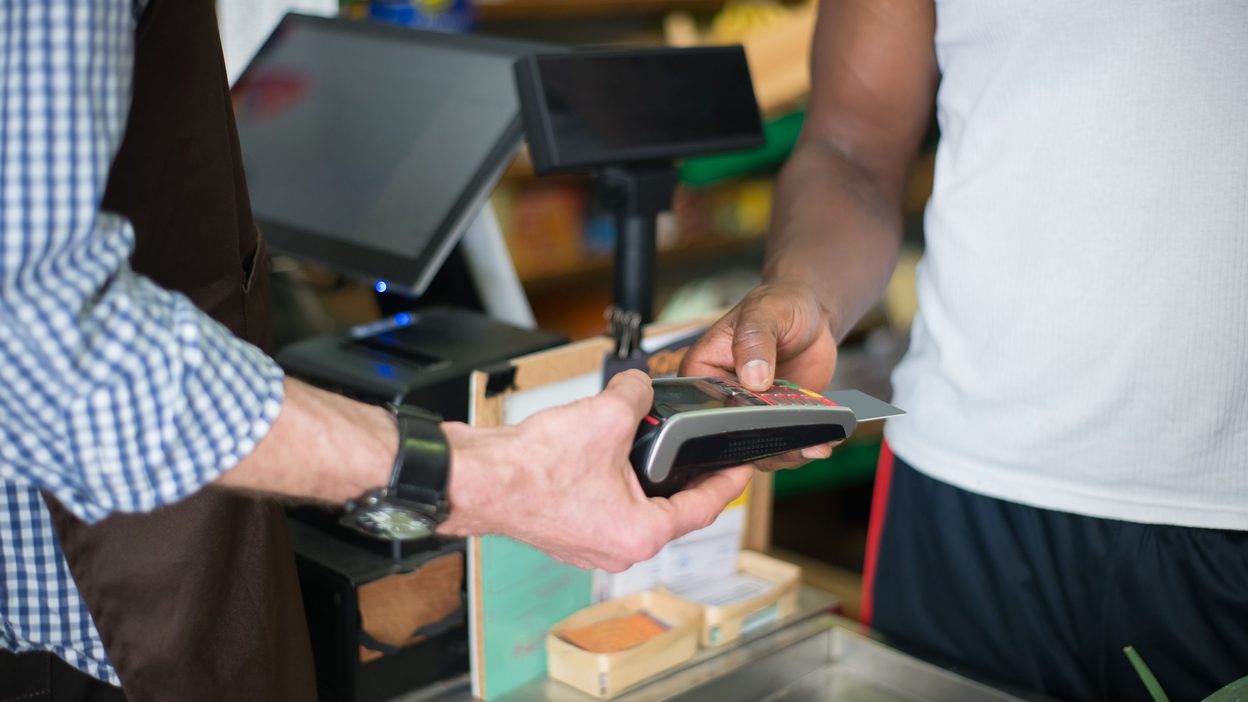
Many stores look very different this holiday season than they did a few years ago. Digital screens sit at the front of the store and on end caps. Cameras stream video all day. Handheld scanners, shelf sensors, guest Wi-Fi and mobile checkout devices all compete for the same connection.
In a Nov. 11 column for Chain Store Age, Giovanni Prinetti of network equipment maker Allied Telesis argued that the biggest holiday risk is no longer just transaction volume. It's all the new in-store technology competing with the point-of-sale system for bandwidth on networks that were never designed for that mix. When video and display traffic crowd out payments at peak hours, transactions time out. Prinetti cites estimates that point-of-sale downtime costs retailers about $4,700 a minute on average and close to $9,000 a minute on Black Friday.
The device count keeps climbing. Walgreens is adding digital screens to 1,200 U.S. stores through a partnership with in-store media company Looma, Modern Retail reported. Each store gets large screens near the entrance and the pharmacy waiting area, plus digital end caps. Other national retailers, including Walmart, are testing screens in more parts of the store.
Cisco's State of Wireless 2026 retail snapshot shows the strain. Thirty-nine percent of retail organizations reported bandwidth problems tied to HD digital signage, video analytics and streaming content. Only 22% said they had fully deployed Wi-Fi 6E or Wi-Fi 7, the newer standards built for crowded, device-heavy spaces.
What a ready network looks like
None of this means stores should pull the screens down. It means the network underneath has to be planned for everything connected to it. Here are a few practical checks for any business with one location or many:
- Keep payments in their own lane. Point-of-sale systems should be separated from guest Wi-Fi, cameras and signage on the network and given priority, so a busy display can't slow a transaction.
- Know what's plugged in. Every screen, camera and sensor added this year is another load on the same switches, cabling and access points. An up-to-date inventory shows where capacity is running short.
- Check the wiring before upgrading the Wi-Fi. New access points only work as well as the cabling and switches behind them. Old runs and overloaded closets often cause problems that look like slow Wi-Fi.
- Plan for the outage anyway. A backup internet connection and checkout systems that can keep working briefly offline help a store keep selling when the main line goes down.
- Manage every location the same way. For multi-location brands, central management with standard settings at each site means a fix or update reaches every store, not just one.
The holiday season shows how well a store's technology was planned. The businesses that come through it well are usually the ones that treated the network as part of every new screen, camera and device they installed.
How Vexitey helps
Vexitey designs and installs structured cabling and Wi-Fi and Audio & Video systems for single-office businesses and multi-location brands, and supports them with Managed IT, so new in-store technology has a network that can support it. Contact us or call (815) 749-0600.
Sources
- Chain Store Age: The Holiday Bandwidth Battle: How in-store tech could break the checkout (opens in a new tab) (Nov 11, 2026)
- Cisco Blogs: 5 wireless trends retail IT teams can't ignore in 2026 (opens in a new tab) (Apr 14, 2026)
- Modern Retail: Walgreens says it's focused on 'higher-performing' ad placements as it tries again with digital screens (opens in a new tab) (Sept 11, 2026)
- Business Insider: Digital Ad Screens Are About to Be Everywhere in Stores (opens in a new tab) (Sept 2026)